
AUTO CREATE BULK OUTLOOK ACCOUNTS - HOTMAILCREATOR FEATURES
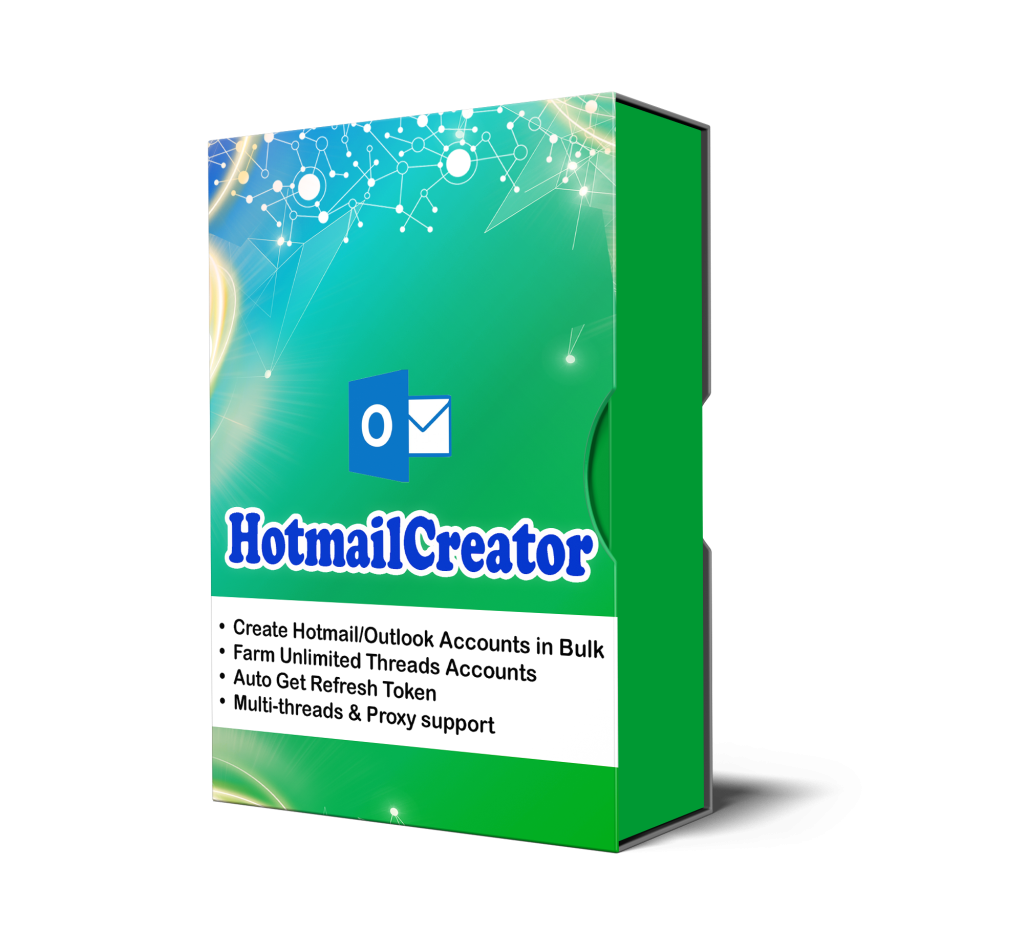
WHY YOU SHOULD CHOOSE AUTOBOTSOFT SOFTWARE?
PRICING PLANS FOR OUTLLOK ACCOUNT CREATOR
FAQ
How many devices can I use the Outlook account creator with a license key?
Each license can be used on two computers. You can also reset the license on the website every three days to transfer it to another device.
What proxy types do you suggest for optimal performance with HotmailCreator tool?
You can use https proxies in the format: IP:PORT or IP:PORT:USERNAME:PASSWORD. However, residential rotating proxies are the best option to get the highest performance.
How many Outlook accounts can I create per day?
Depending on how strong your computer is, the number and the quality of proxies, you will be able to set the appropriate number of threads. For example, you need a device of 8GB RAM – core i7 and 30 proxies to open 15-30 tabs simultaneously. That means 15-30 accounts will be created at the same time.
Is there a free trial available before making a purchase decision for the Outlook account creator?
We offer two-day trial for 15$/software. You will get support via Ultraviewer/TeamViewer to install the software. We will guide you on how to use the software in detail! After 2 days of trial, if you buy a year license, we will give $15 discount for the final price!
Are there any technical specifications needed for running the HotmailCreator bot?
To optimize the use of the Outlook account creator, it’s best to run it on a Windows-based computer or VPS with at least 8GB of RAM (not a Macbook).
Do I have to manually set up Keycaptcha or does your tool automatically solve it?
Our software solve captcha automatically and free of charge
UPDATE LOGS
Software Release